A gentle introduction to

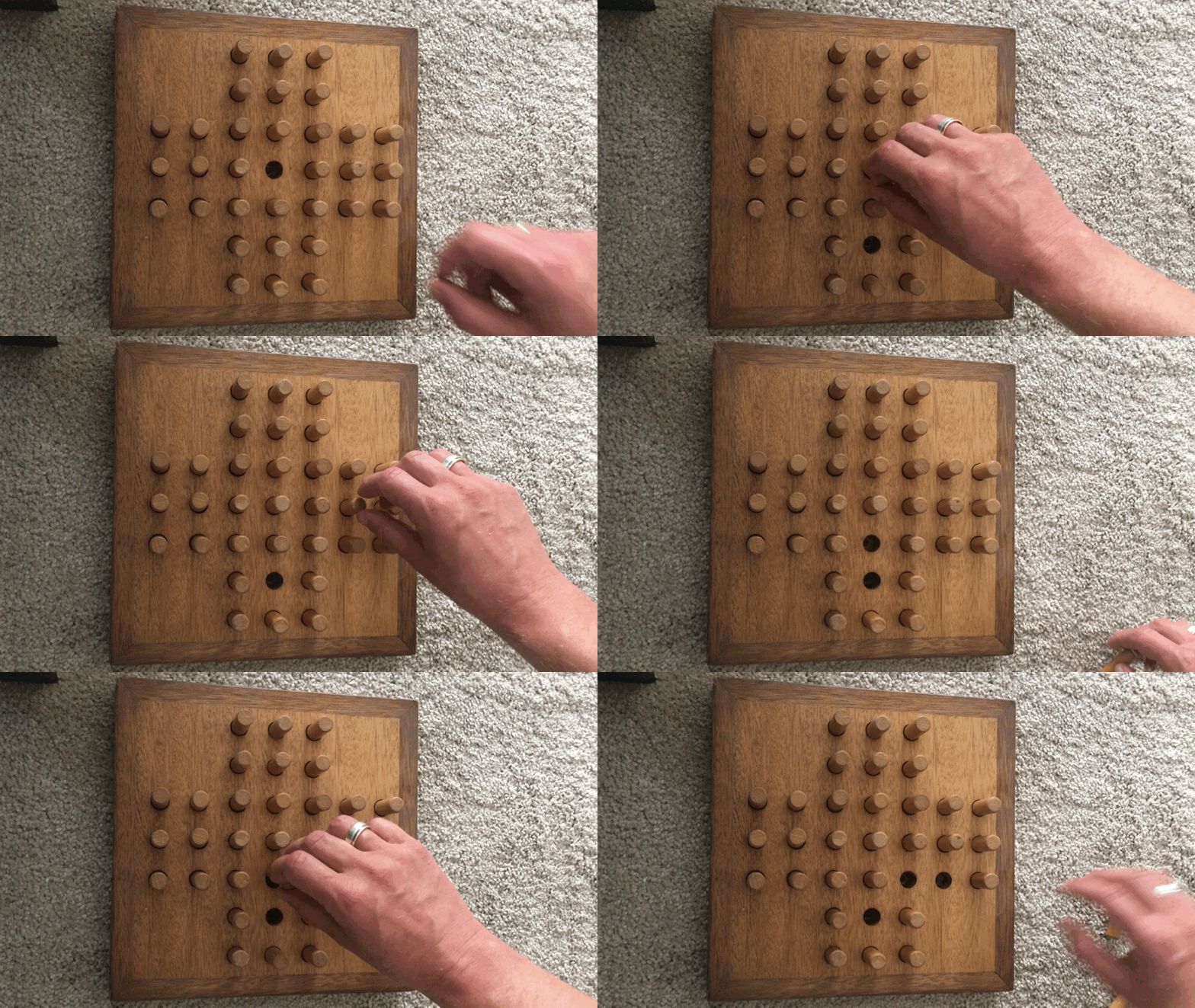
Video © Joho345, (cc) BY-SA 4.0, source: Wikimedia Commons
[:div.content
  [:p "First paragraph"]
  [:img {:src "image.png"}]]
Yields:
<div class="content">
  <p>A paragraph of text</p>
  <img src="image.png"/>
</div>
(defn hello [{:keys [who color]}]
  [:p {:style {:color color}}
   "Hello, " who "!"])

(defn main []
  [:div
   [hello {:who "World", :color "green"}]
   [hello {:who "re:Clojure", :color "red"}]])
git pull
lein watchsrc/cljs/solitaire/views.cljshello component parameter accept a :bold? key, rendering the greeting in bold if it’s trueexercises/ex_01/solution/views.cljs over the original views.cljssolitaire/board.cljsinitial-board:
[[:blocked :blocked :peg :peg   :peg :blocked :blocked]
 [:blocked :blocked :peg :peg   :peg :blocked :blocked]
 [:peg     :peg     :peg :peg   :peg :peg     :peg]
 [:peg     :peg     :peg :empty :peg :peg     :peg]
 [:peg     :peg     :peg :peg   :peg :peg     :peg]
 [:blocked :blocked :peg :peg   :peg :blocked :blocked]
[:blocked :blocked :peg :peg :peg :blocked :blocked]]exercises/ex_02/views.cljs over the original views.cljsboard-view to render all the fields of the boardexercises/ex_02/solution/views.cljs
(def default-db
{:board board/initial-board})[:name arg1 arg2 …]
[::field 4 4]reg-sub
(rf/reg-sub
 ::field          ; <- subscription name
 (fn [db [_ x y]] ; <- second arg: “query vector”
   {:x x
    :y y
    :type (get-in db [:board y x])}))
(defn board-view []
  (let [[width height] @(rf/subscribe [::subs/board-dimensions])]
    (into
     [:div.board]
     (for [y (range height)
           x (range width)]
       [field-view @(rf/subscribe [::subs/field x y])]))))
(rf/reg-sub
 ::board
 (fn [db _]
   (:board db)))

(rf/reg-sub
 ::board-dimensions
 :<- [::board] ; instead of the entire db
 (fn [board _]
(board/dimensions board))):selected-field
(def default-db
  {:board board/initial-board
:selected-field [3 1]})exercises/ex_03 over existing filessolitaire/subs.clj::field subscription, add a new key, :selected?, telling us whether the peg is selected (highlighted)exercises/ex_03/solution/subs.cljs
(rf/reg-event-db
 ::start
 (fn [db event-vector]
(assoc db :board board/initial-board)))[:name arg1 arg2 …]
(defn field-peg [{:keys [selected? x y]}]
  [:div.field
   [:div.peg
    {:class (when selected? "peg--selected")
:on-click #(rf/dispatch [::events/select-field x y])}]])rf/dispatch
exercises/ex_04 over existing filessolitaire/events.clj::select-field subscription, add code to change :selected-field in db as necessaryexercises/ex_04/solution/events.cljsexercises/ex_05 over existing filessolitaire/views.cljfield-empty component, add code to dispatch
the ::events/make-move event on clickexercises/ex_05/solution/views.cljs
(rf/reg-event-fx
 ::end-game
 (fn [{db :db} _]
   {:db (assoc db :status :game-over)
    :alert "Game over!"}))
reg-event-fx instead of reg-event-db:db:db and other things
:dispatch, :dispatch-n, :dispatch-later, :http…
:status
(can be :not-started, :in-progress, or :game-over)
(def default-db
  {:board          board/initial-board
   :selected-field nil
   :status         :not-started})
Copy files from exercises/final to see it in action
db/views/subs/events files per app section when your app is largetinyurl.com/re-frame-workshop-survey
